Manage properties
Keep active properties organized and track walkthrough progress.
 TACTICAL PLANNER
Explore apps ↗
Document properties, capture details, and prepare professional reports — all from your mobile device.
Property Walkthrough helps real estate professionals, property managers and authorized users document property visits with observations, photos, video, compatible LiDAR room scans and organized reports.
Built for iPhone and iPad workflows that support faster, more organized property documentation.
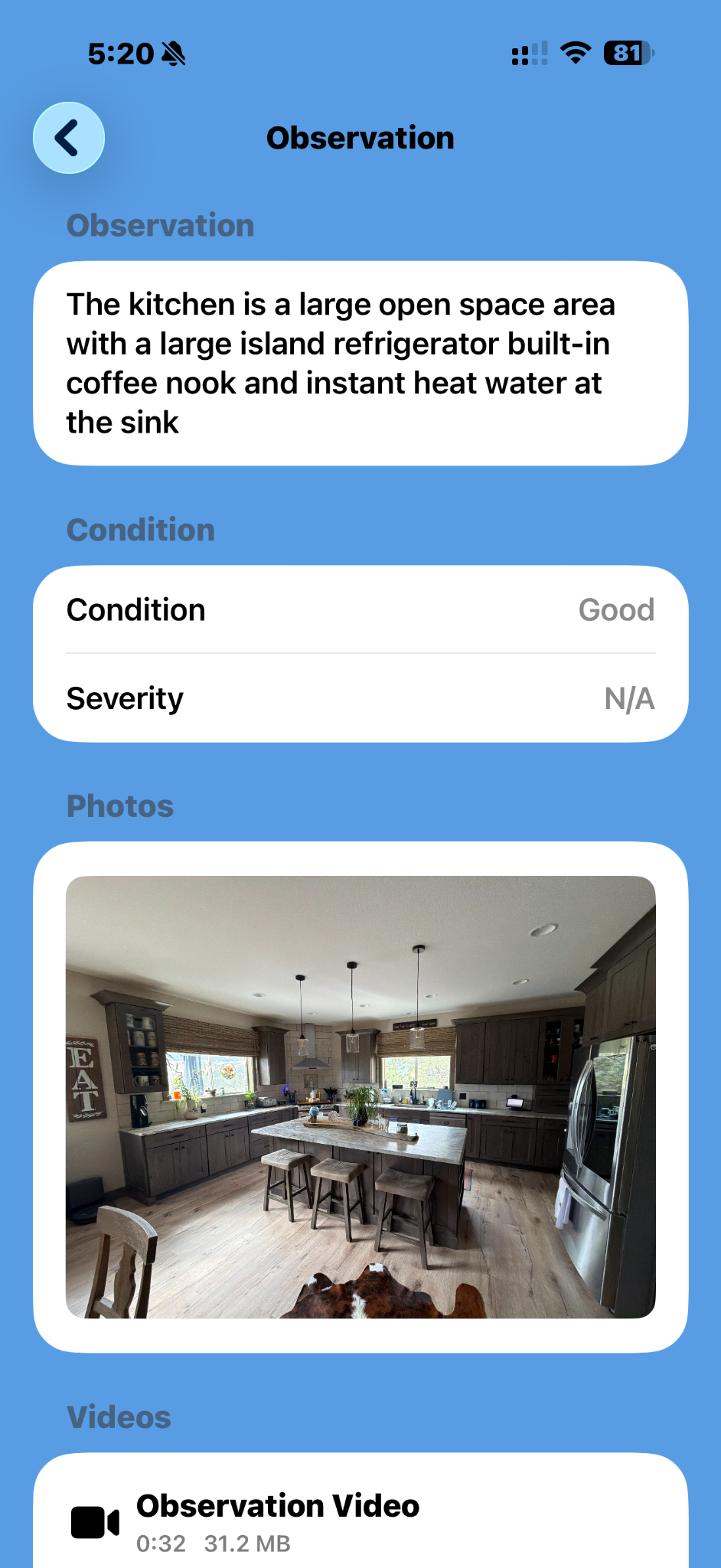
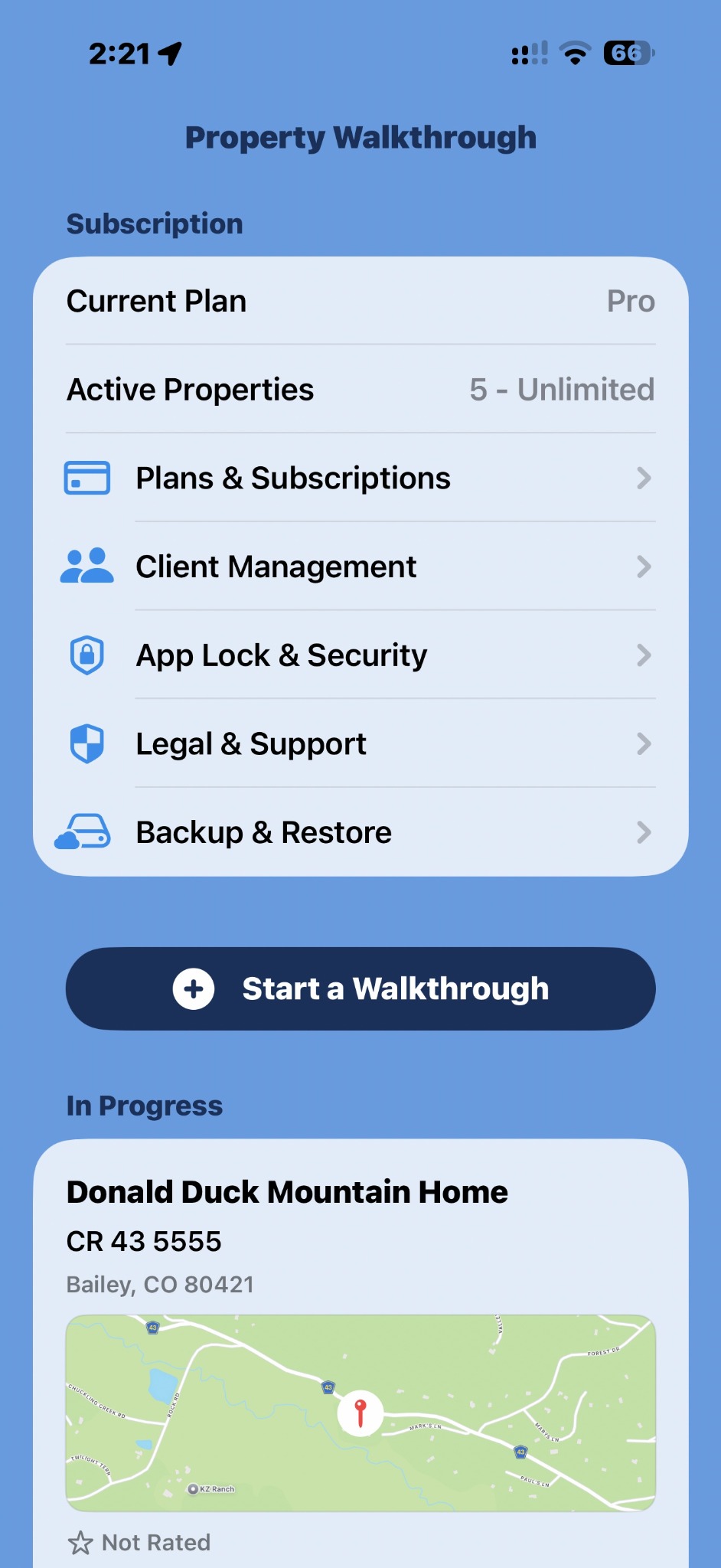
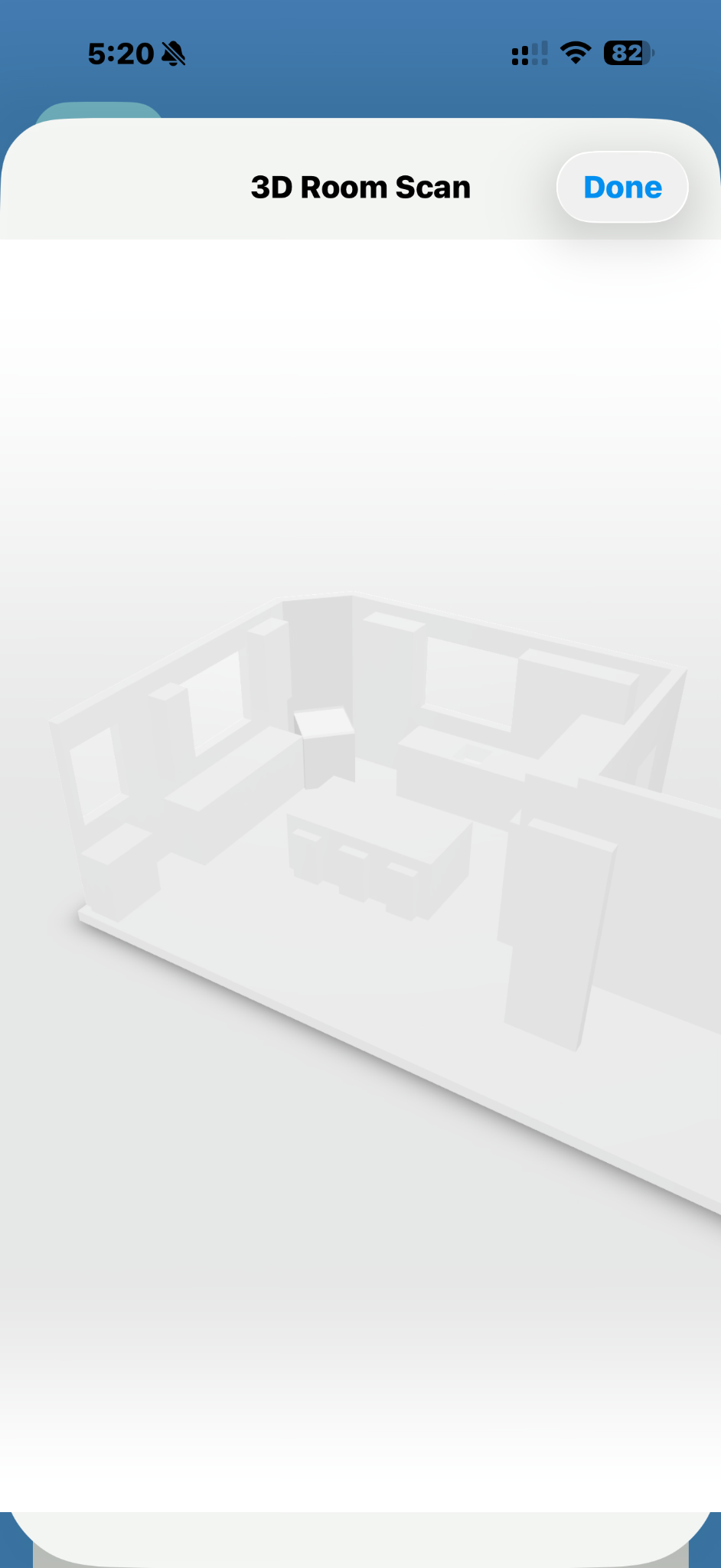
Keep active properties organized and track walkthrough progress.
Document conditions with notes, photos, video, and severity indicators.
Review 3D room scans on supported LiDAR devices.
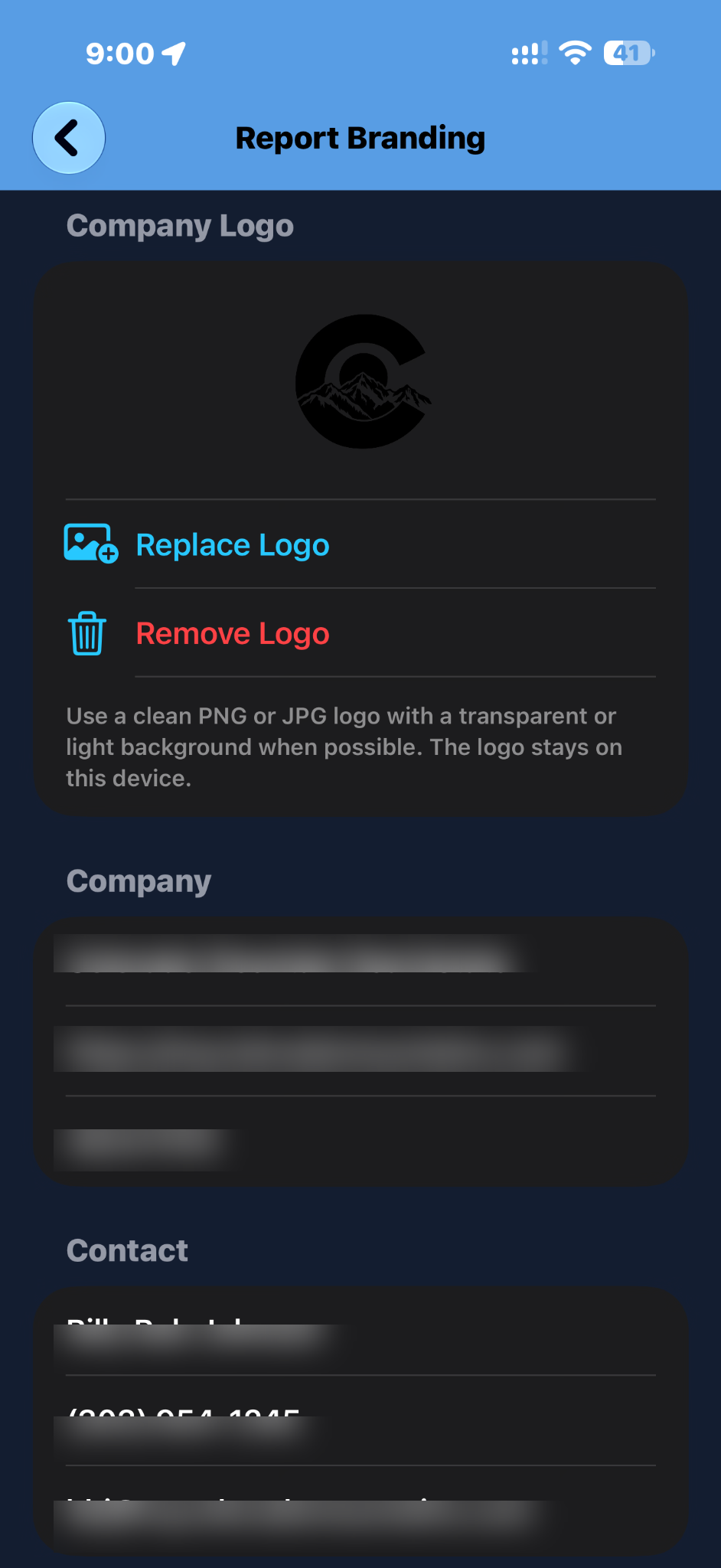
Generate Tactical Planner-tagged reports on Standard, or use Pro for custom-branded reports and integrated client management.
Review available subscription options inside the app.
Find privacy, terms, and support resources in one place.
Different roles, one consistent way to capture and organize property details.
Keep showing notes, property observations, media and follow-up items in one organized workflow.
Document conditions and organize records across property visits and maintenance follow-ups.
Record a property's condition and supporting media before or after visits or stays.
Capture observations, room context, and visuals to support client conversations and work planning.
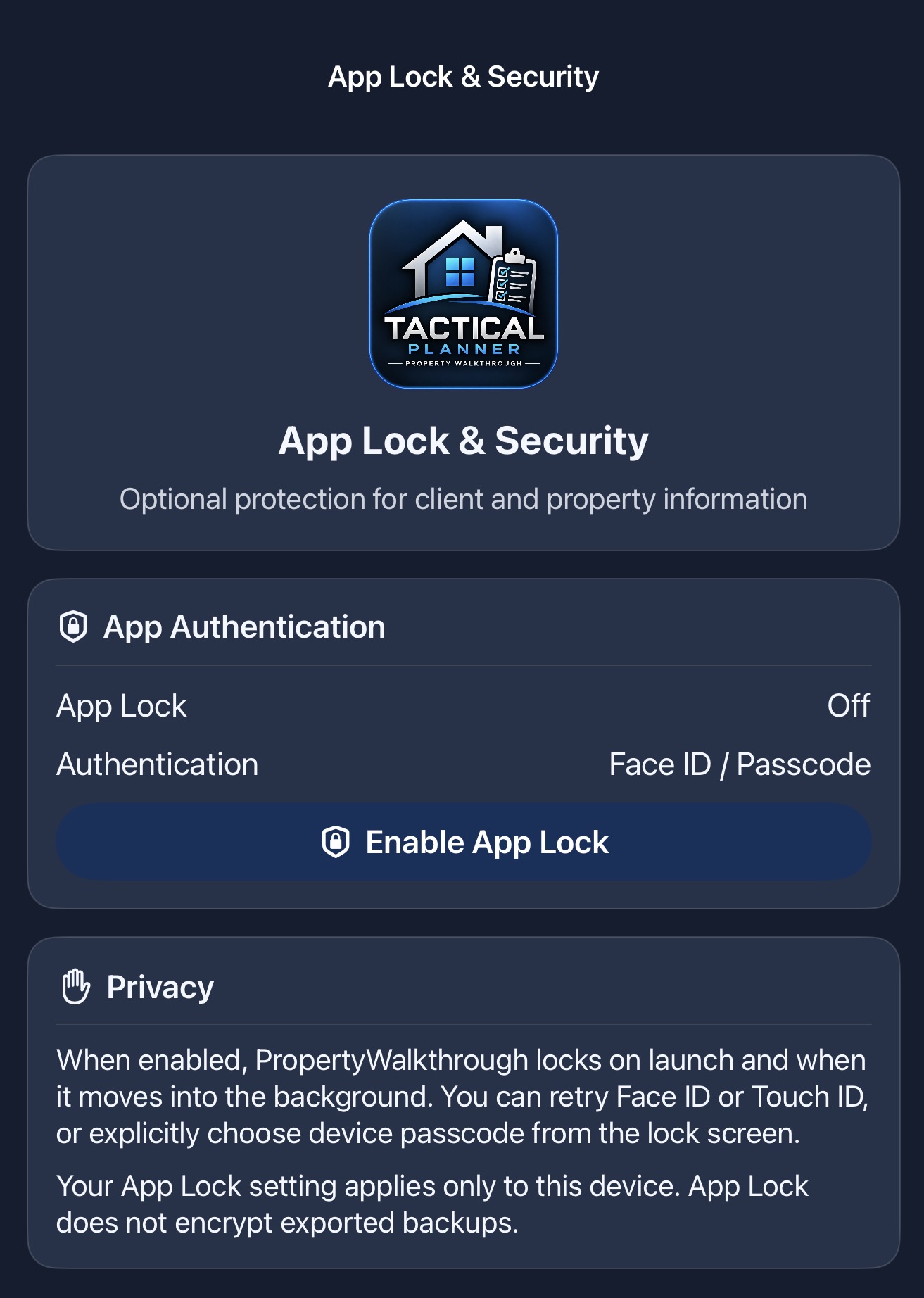
Property Walkthrough uses a local-first storage approach and offers optional app locking with Apple's supported Face ID, Touch ID or device authentication. Biometric credentials remain managed by the device. Exported reports and backups require their own protection.
Browse separate iPhone and iPad galleries to show how Property Walkthrough supports everyday capture, reporting, client organization, and Pro workflows.
These screens highlight the core experience: documenting properties, reviewing plans, capturing observations, and staying organized on the go.
The dashboard view shows subscription details, active properties, progress, location context, follow-up indicators, and quick access to app settings.
These iPad screenshots show a broader dashboard layout and Pro-focused workflows like client setup, custom report branding, app lock controls, and walkthrough summaries.
The iPad dashboard layout makes it easier to review subscription status, quick actions, and multiple property cards in a single view.
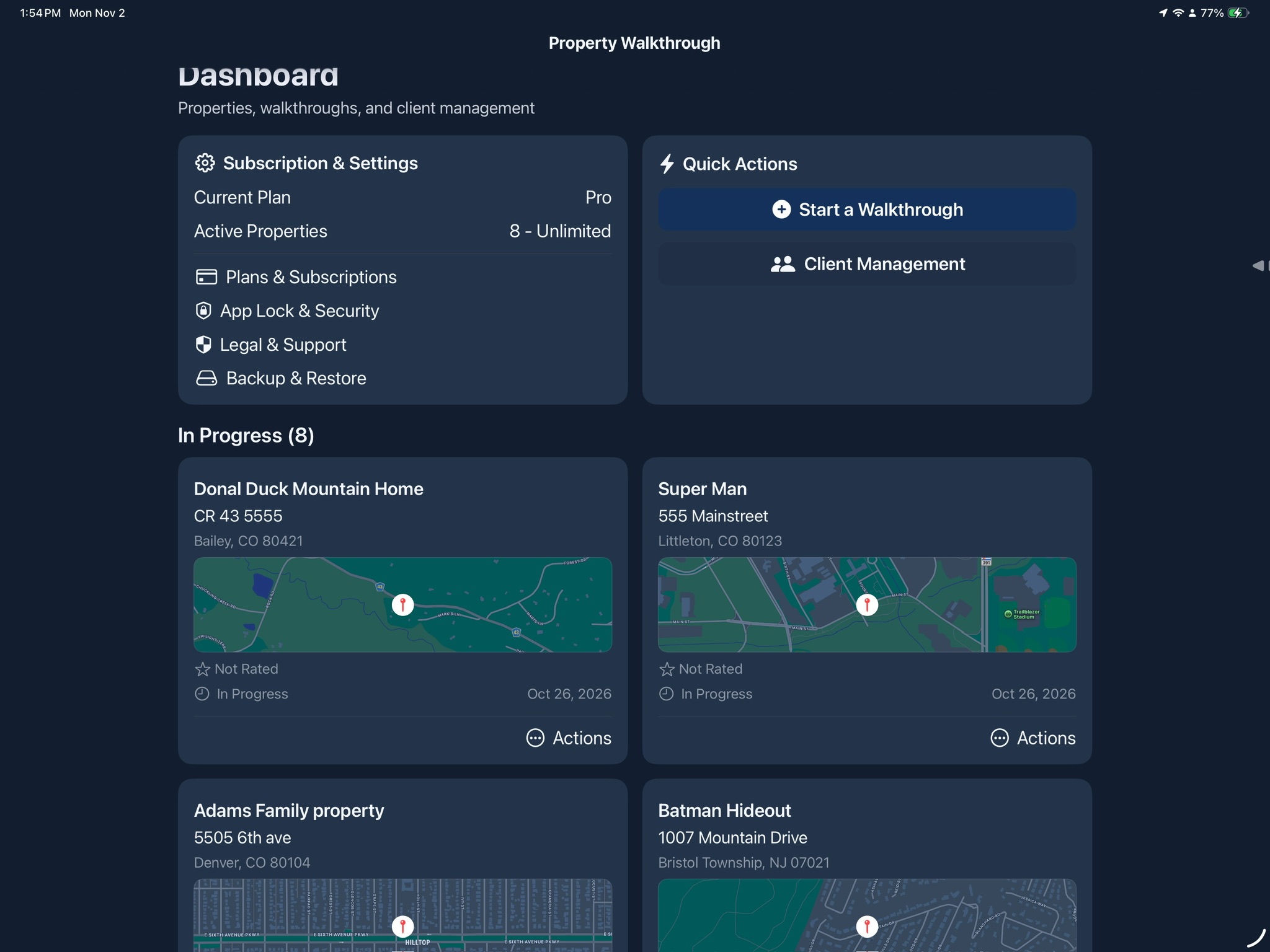
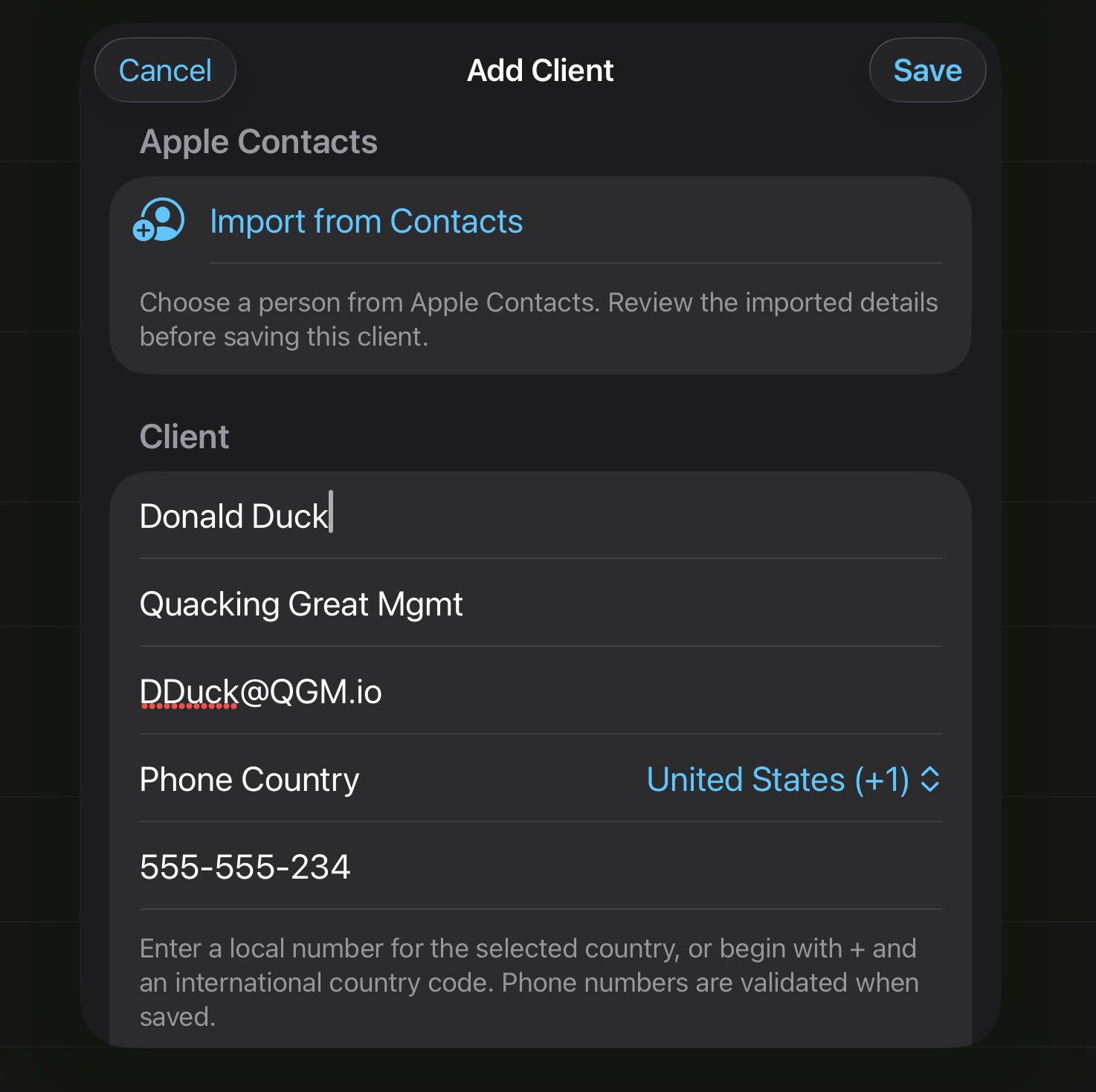
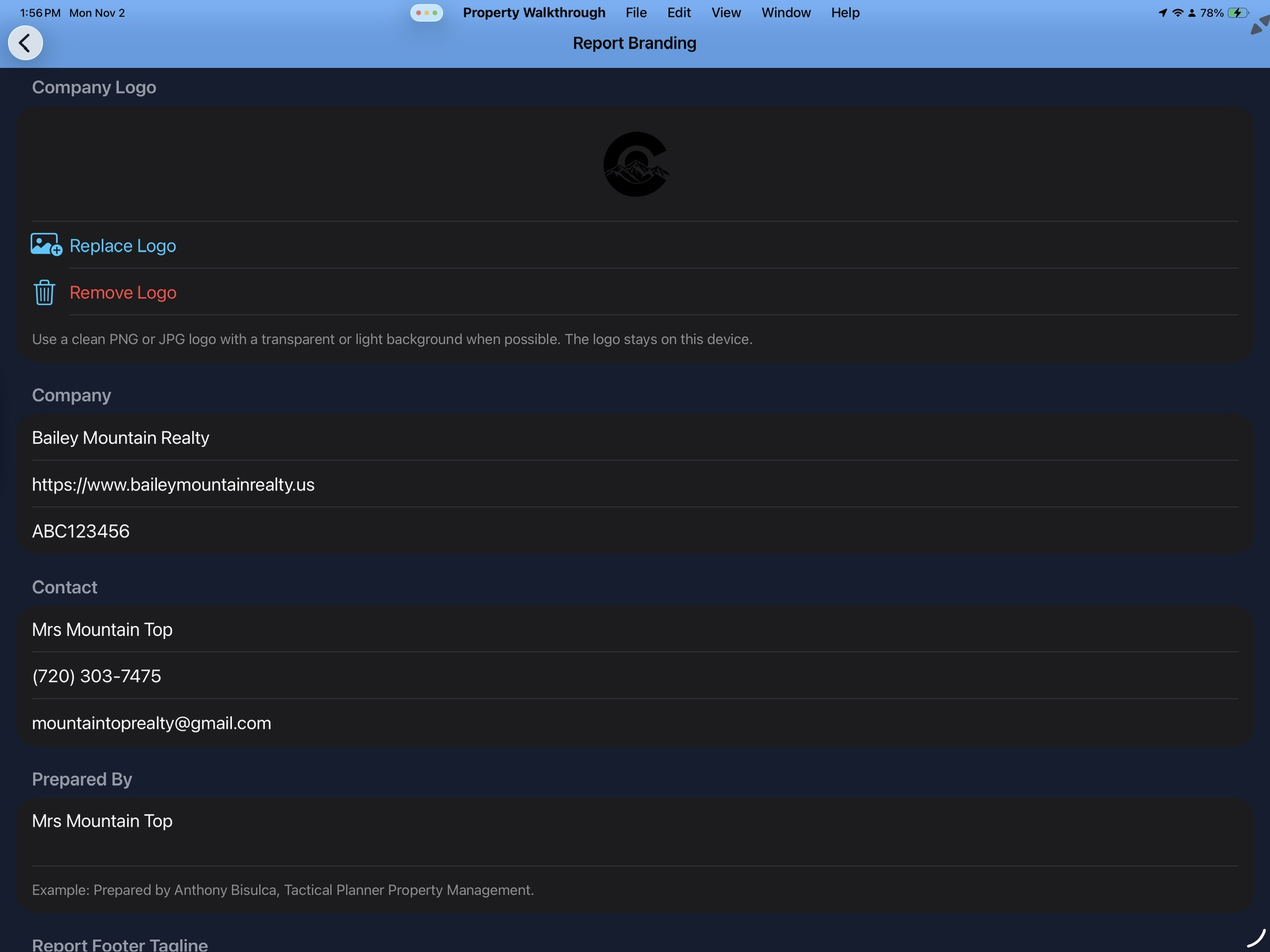
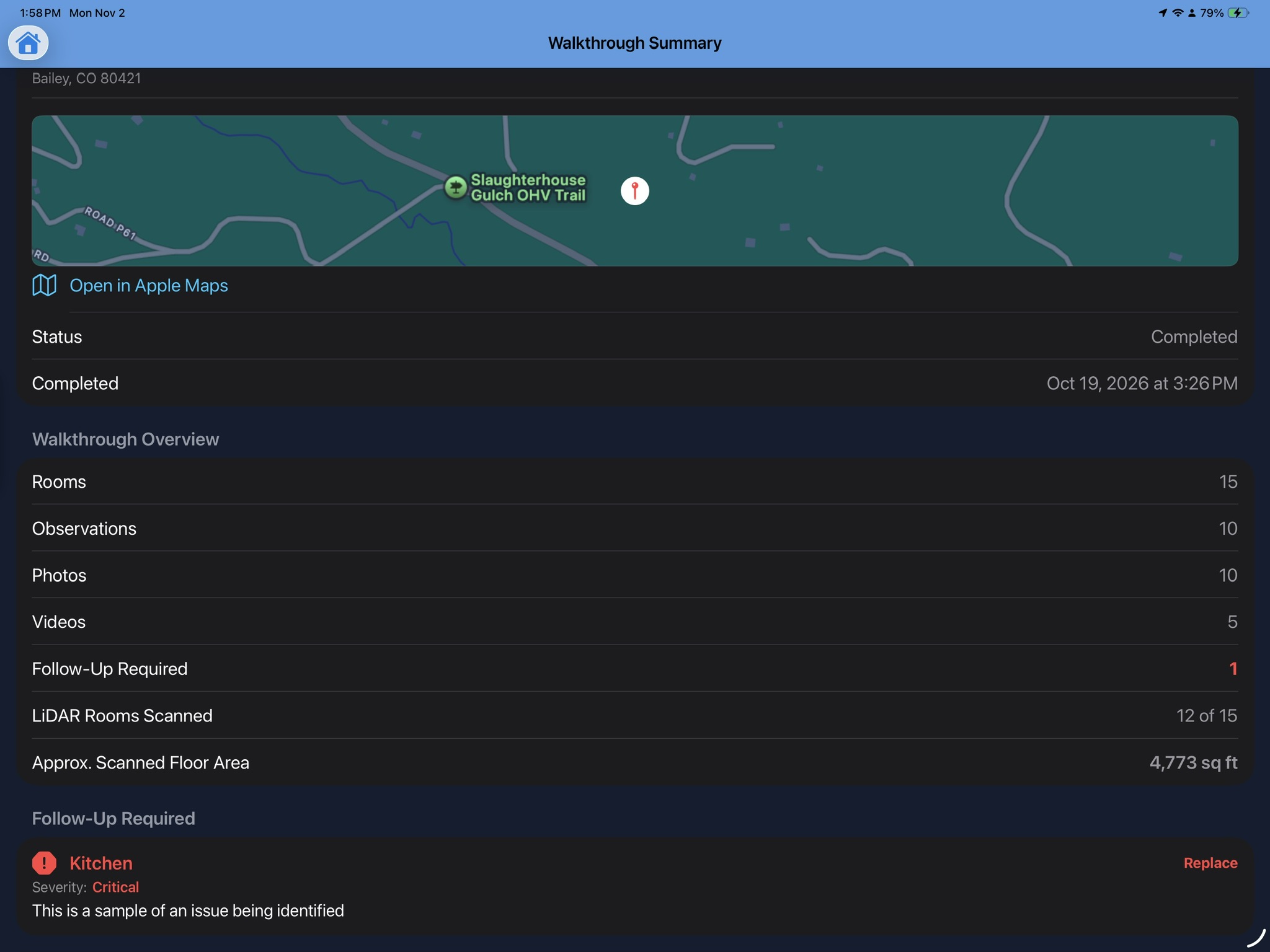
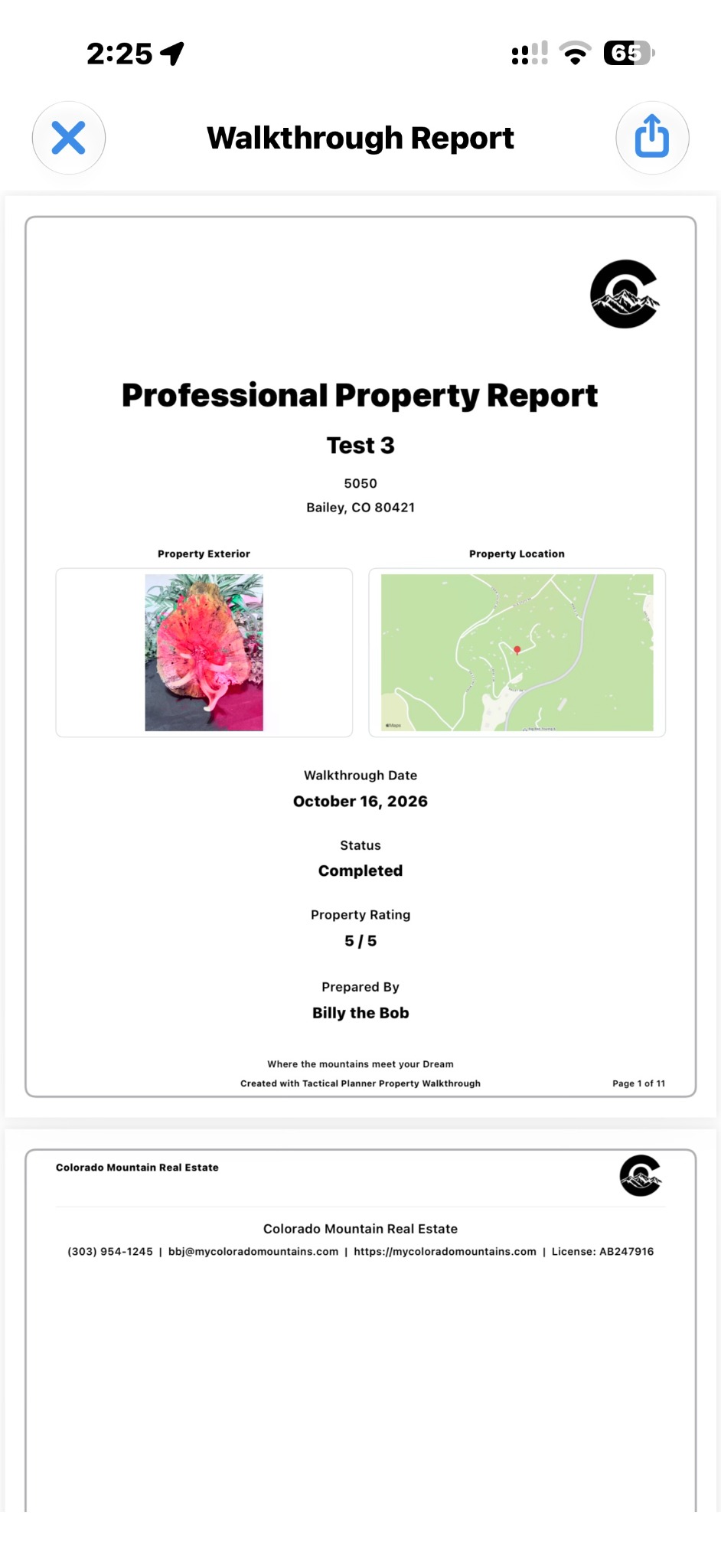
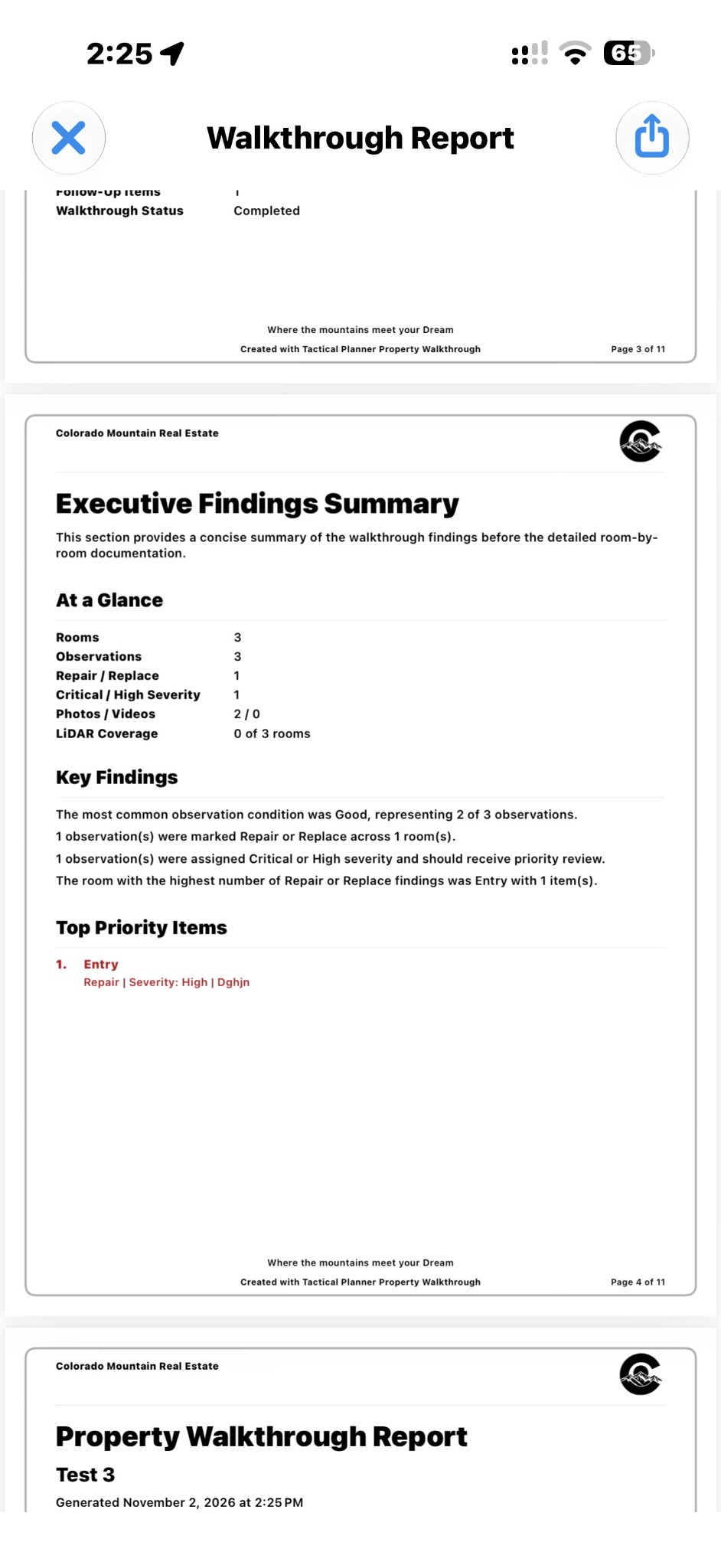
Standard includes up to 10 Tactical Planner-tagged reports per month, while Pro offers unlimited reporting with custom branding. Below are sample views from a completed Pro walkthrough report, including the branded report cover and the Executive Findings Summary page.
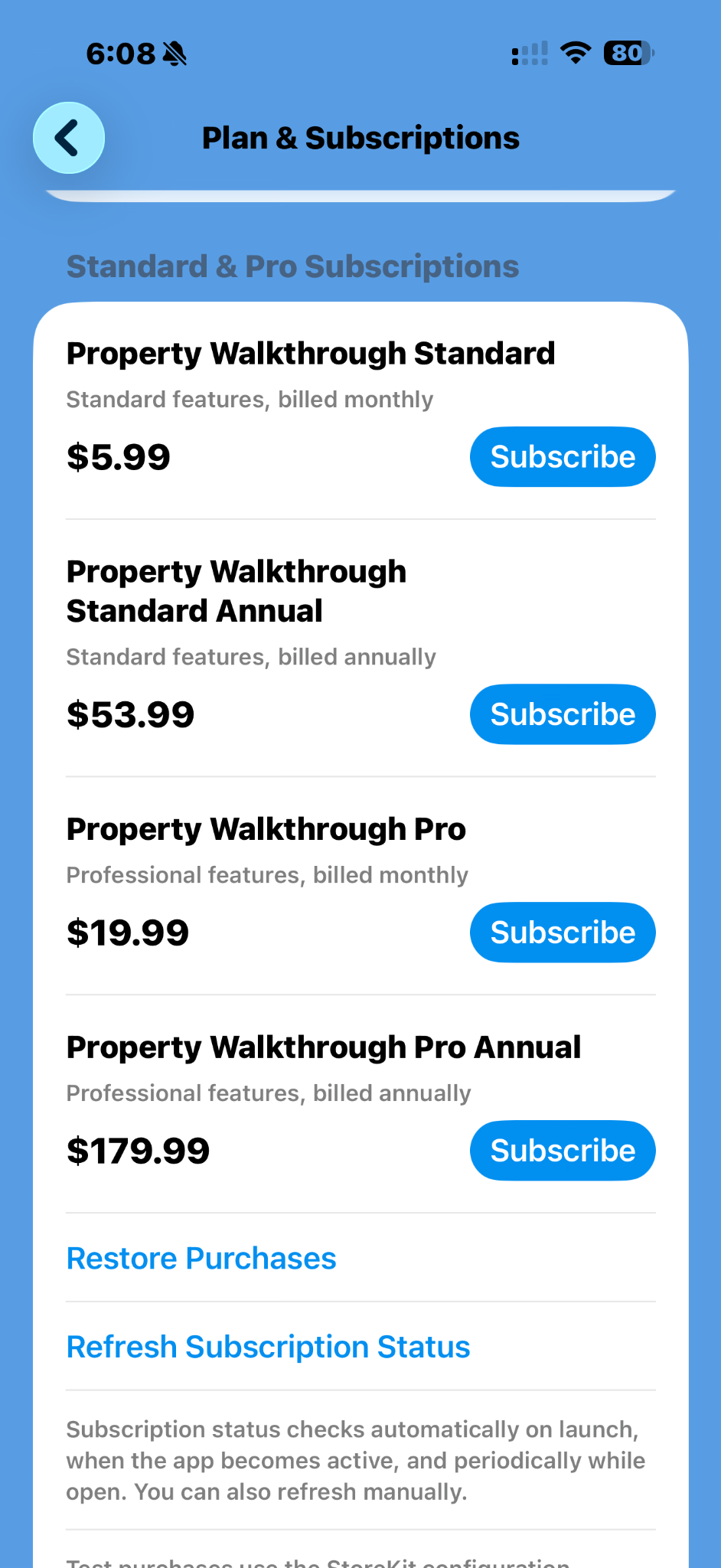
Compare feature access and limits across Free, Standard and Pro. Core features are included in every plan; paid tiers add reporting and professional tools. Prices are based on the supplied app screenshots.
| Feature | Free | Standard | Pro |
|---|---|---|---|
| Monthly price | $0 | $5.99 | $19.99 |
| Annual price | — | $53.99 | $179.99 |
| Active properties | 3 | 10 | Unlimited |
| Photos per room | 3 | Core included | Core included |
| Video capture | 1080p / 30 fps | Included | Included |
| Voice captions | Included | Included | Included |
| LiDAR scans per room | 1, supported devices | Included | Included |
| Guided walkthrough | Included | Included | Included |
| Report generation | Not available | Up to 10 per month | Unlimited |
| Report branding | Not available | Tactical Planner-tagged | Custom branding |
| Backups | Not included | Not included | Included |
| Client management | Not included | Not included | Included |
| Multiple properties per client | Not included | Not included | Included |
All plans include the core features: photos, 1080p/30 fps video, voice captions, supported-device LiDAR scanning, and guided walkthroughs. Standard adds up to 10 Tactical Planner-tagged reports each month. Pro includes reporting plus custom-branded reports, backups, client management, and assigning multiple properties to a client. Standard and Pro include the core capture features; any higher photo limits have not yet been specified. LiDAR requires compatible Apple hardware. Purchases and cancellations are handled through Apple's App Store.
Subscription prices displayed are taken from the supplied app screenshots; verify prices and entitlements in the released app before purchase.